I enjoy building things that give me an excuse to experiment with electronics, software, interfaces, and hardware I already have around.
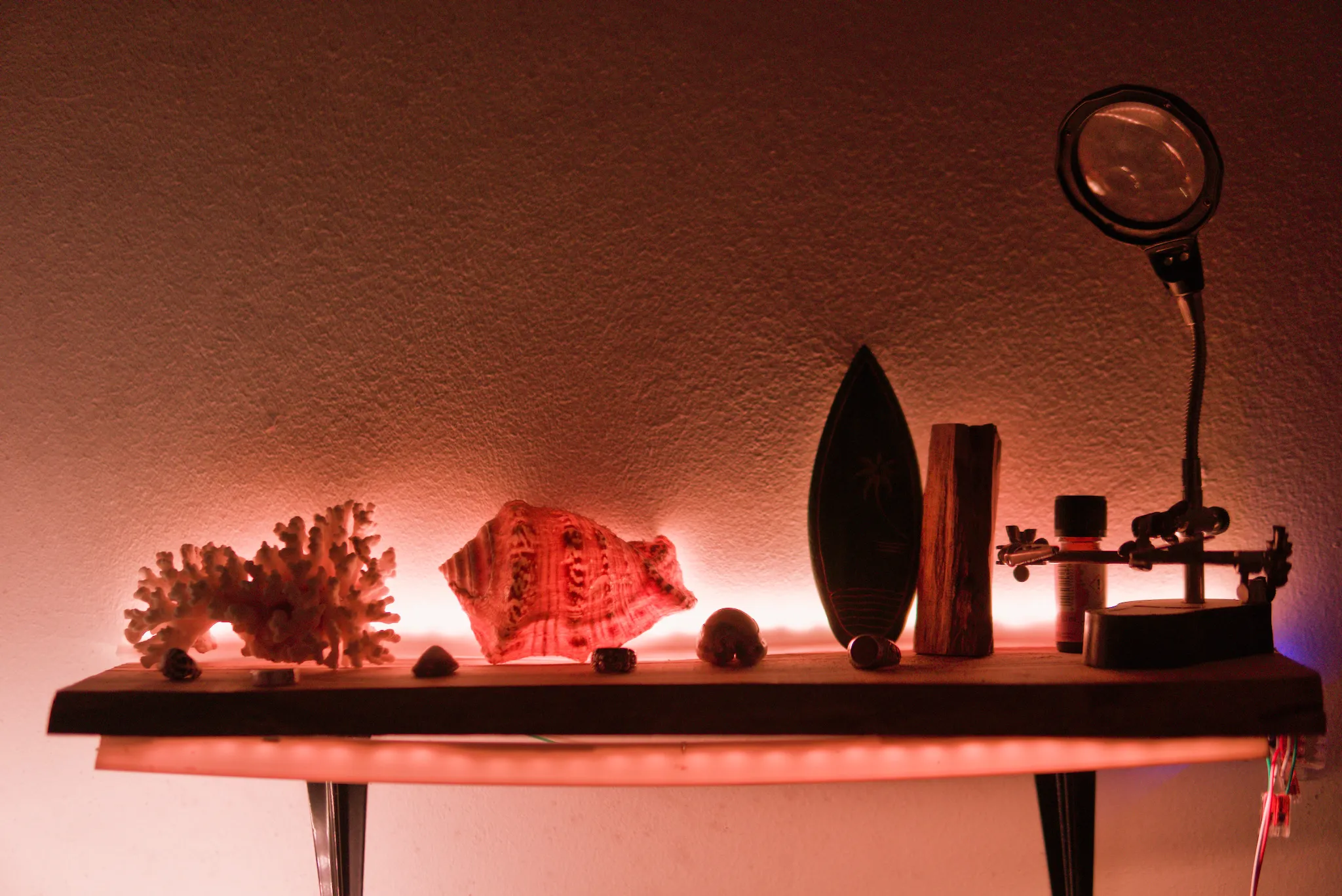
This started because I wanted better ambient lighting around the house. I began experimenting with WS2812B addressable LED strips, ESP8266 controllers, and WLED. One installation led to another, and the separate lights gradually grew into a larger setup with shared controls, scenes, automation, and a local web interface hosted on a repurposed Android phone.
It keeps evolving as I use it. Sometimes I notice something I want to improve; other times I get curious about a different way to control, build, or integrate part of it and end up following that idea.
The individual lights
The basic combination behind the installations is simple:
WS2812B LEDs + ESP8266 controller + WLED firmwareWS2812B are a popular type of individually addressable RGB LEDs.
ESP8266 is a compact Wi-Fi microcontroller that gives each installation its own network-connected controller.
WLED is open-source firmware for addressable LEDs, providing lighting controls through its web interface and APIs.
WLED will be flashed onto the ESP8266, with the WS2812B strip connected to its data output. Once configured, the controller will receive lighting commands over Wi-Fi through WLED and send the corresponding data signal to the LEDs.
The system currently includes six:
Bedroom
├── Desk
│   ├── Shelf Left
│   ├── Shelf Right
│   ├── Monitor
│   └── Desk Back
└── Wardrobe

Bathroom
└── Bathroom shelf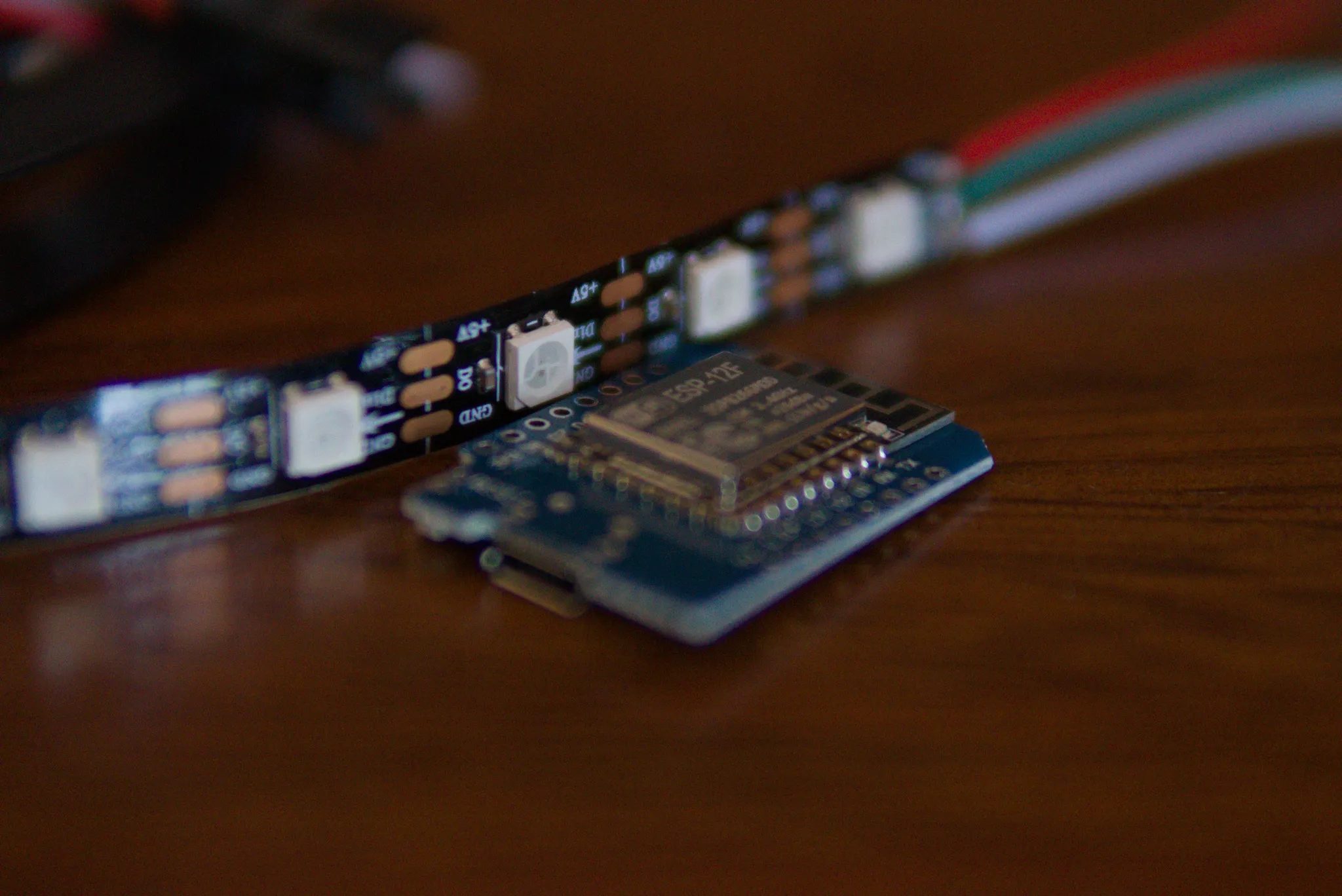
Shared control
Once there were enough lights, opening a separate WLED interface for each one became inconvenient.
I built a web interface so I could control them together from one place.
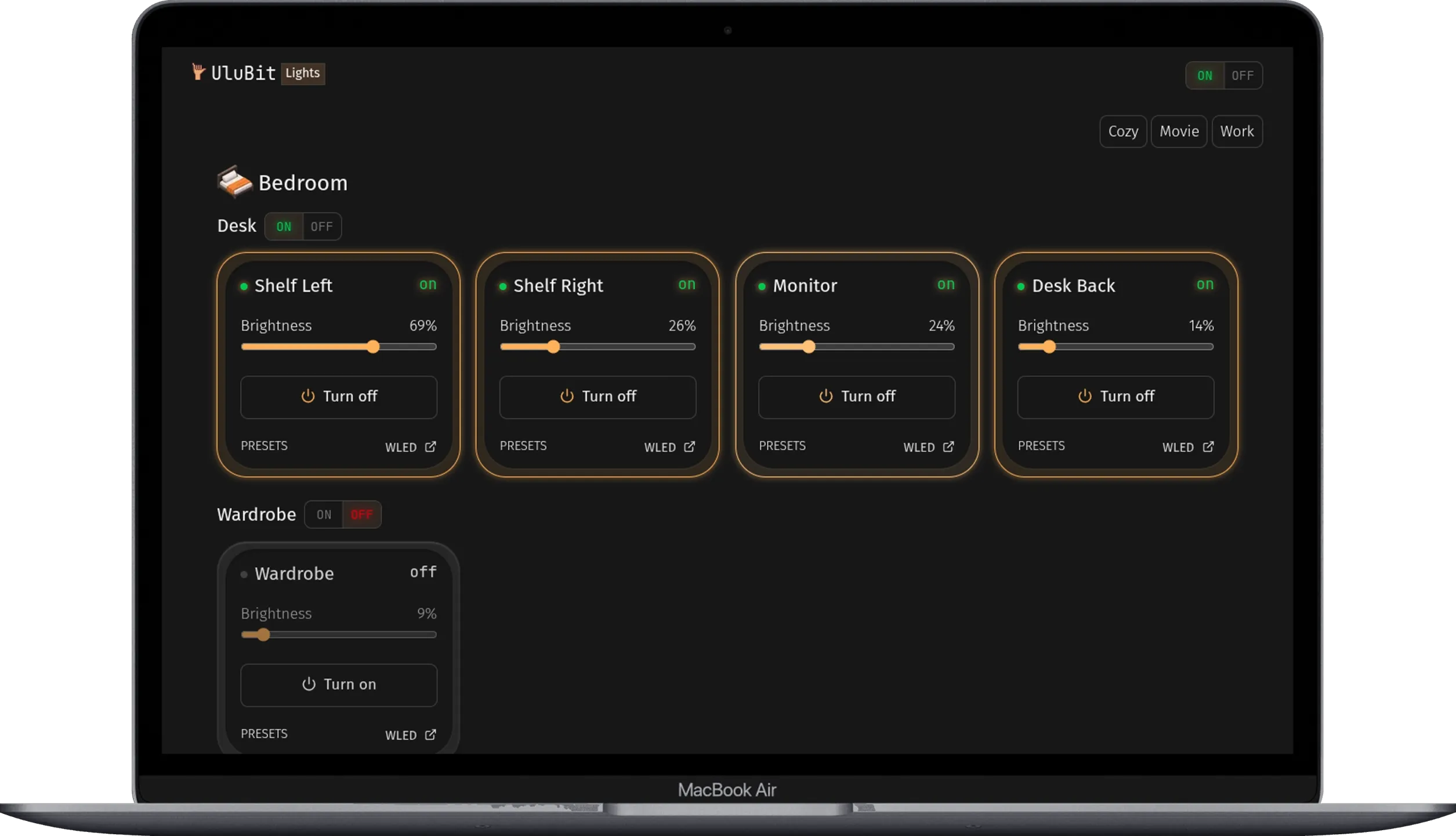
The controls follow how I actually use the space:
Individual light
    precise control of one installation

Area
    lights that belong together physically

Room
    the room as a whole

Whole system
    everything on or off

Scene
    several lights coordinated around an activity or mood
The current scenes include:
Cozy
Movie
Work
A scene can switch lights on or off, change brightness, and apply WLED presets. The lights remain independent underneath, but I do not have to think about each controller when I just want the room set up for work or a movie.
Some behaviour does not need the dashboard at all. The shelf lights and desk back lighting are configured to come on automatically after sunset at the brightness I normally want in the evening.
So my room and desk are already set up the way I like them.
Repurposing an old phone
Once I had the web interface working, I wanted to be able to open it whenever I was at home, from any device around the house.
That made me look at what it actually needed in order to stay available.
The web interface itself is static: HTML, CSS, and JavaScript served to the browser. The browser then communicates directly with the ESP8266 controllers through the WLED API. So the device hosting the interface only needs to stay on, connect to the local network, and serve those files.
I had a few old phones lying around, so I started wondering whether one of them could do that job.
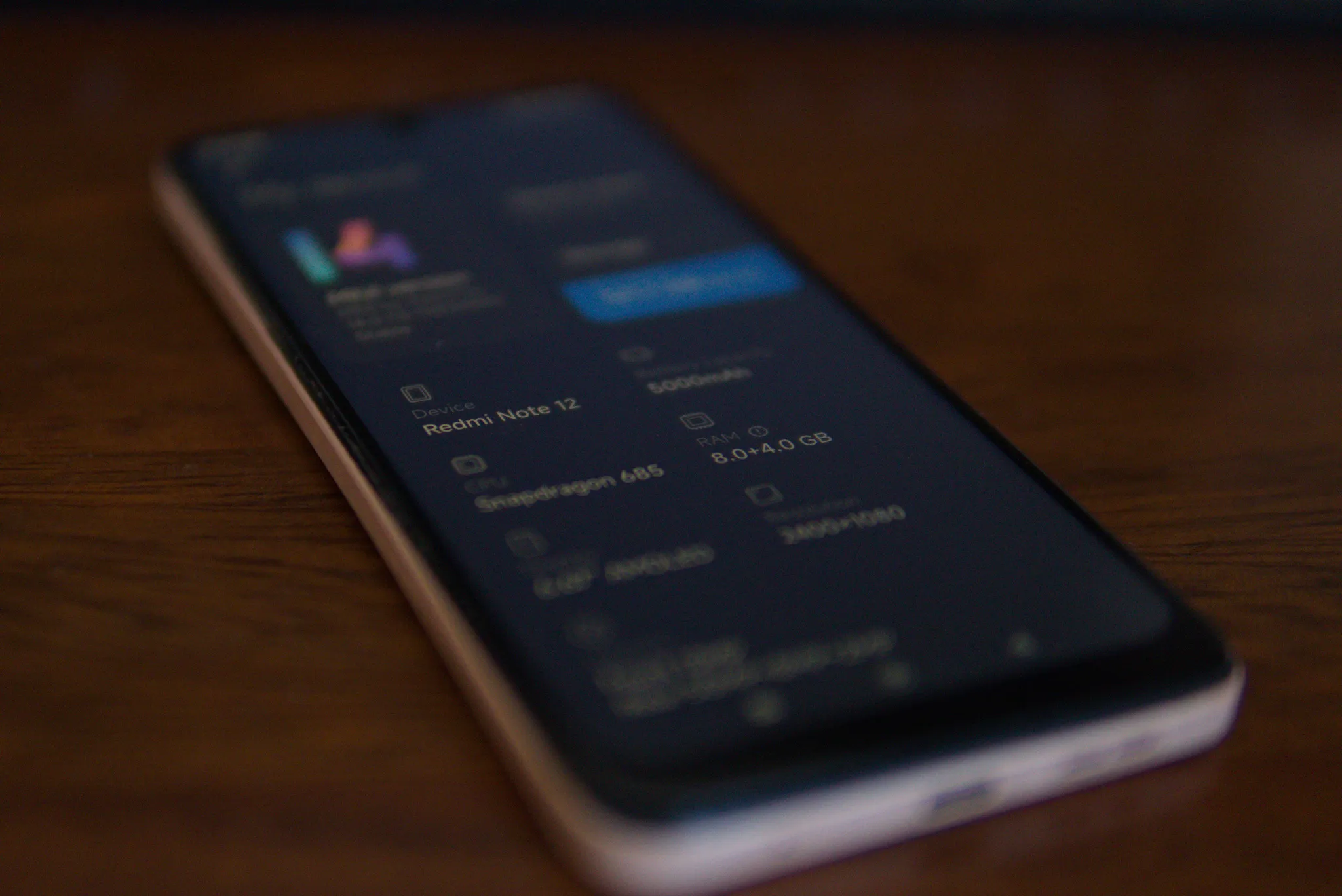
That led me to Termux, which provides a Linux environment on Android. I installed it on an unused Redmi Note 12 and turned the phone into the local web server that now hosts the dashboard.
My development and deployment flow is intentionally simple:
webdev project
    ↓
static build
    ↓
SSH deployment
    ↓
Termux on Redmi Note 12
    ↓
local network dashboard
I still build and work on the interface from my normal Linux development machine, then copy the finished files to the phone over SSH.
Because WLED runs independently on each controller, the lights still work normally even if the web interface is unavailable.
If you’re curious about this setup, I have documented it separately in Android Dashboard Server.
Different lights, different physical problem
The shared control makes the lights look consistent from the interface, but underneath they can be very different builds.
A small desk leds strip and the 135 LED wardrobe installation can look the same in the dashboard while while requiring very different electrical designs.
Each installation still has to account for its own:
LED count
physical layout
controller
power supply
wire lengths
current
voltage drop
power distribution
The wardrobe was the first build large enough to make current capacity, wire sizing, voltage drop, and power distribution significant problems rather than background considerations.
Some of what I learned was useful beyond that one build, which led to Powering a Multi Section WS2812B Installation and WS2812B Power and Current.
That is also how I want this system to keep growing. A specific build can expose a problem, solving it can produce reusable knowledge, and that knowledge can make the next experiment easier.
Local by design
The system stays local to the house.
The ESP8266 controllers, WLED interfaces, dashboard, and browser communicate over the local network. None of the lights needs a cloud service in order to work.
Power is local too. Each installation is designed around its own LED count, physical placement, cable lengths, and available power.
That lets the installations stay independent while still becoming more useful together.
Still growing
The Home Lighting System was never designed as one complete system.
One light led to another. More lights made shared control useful. Repeated behaviour led to automation. Larger installations exposed electrical problems I had not needed to solve before.
Now the next improvements are moving into fabrication.
I build some of the wiring and connectors myself, but the controllers, connections, and power hardware still look like components rather than parts that naturally belong in the desk, shelves, wardrobe, and other places where the lights live.
I am currently learning FreeCAD while designing enclosures, mounts, and other small parts that I can 3D print to make those pieces fit their surroundings better.
There are still more lights, behaviours, and ideas I can see myself adding. That is probably the part I enjoy most.
I can start with something as ordinary as wanting a room to feel better at night, and before I know it, I am down the rabbit hole experimenting, learning, and turning those experiments into a system I use every day.
Related documents
electronics
Wardrobe LED Lighting
A three-level wardrobe lighting installation using 135 WS2812B LEDs, an ESP8266 running WLED, and separate 5 V power feeds for each level.
infrastructure
Android WLED Dashboard Server
An unused Android phone repurposed as the local server for my WLED dashboard, with builds deployed from Ubuntu over SSH.